How to pair Bluetooth headphones with Windows 11, and what to do when it misbehaves
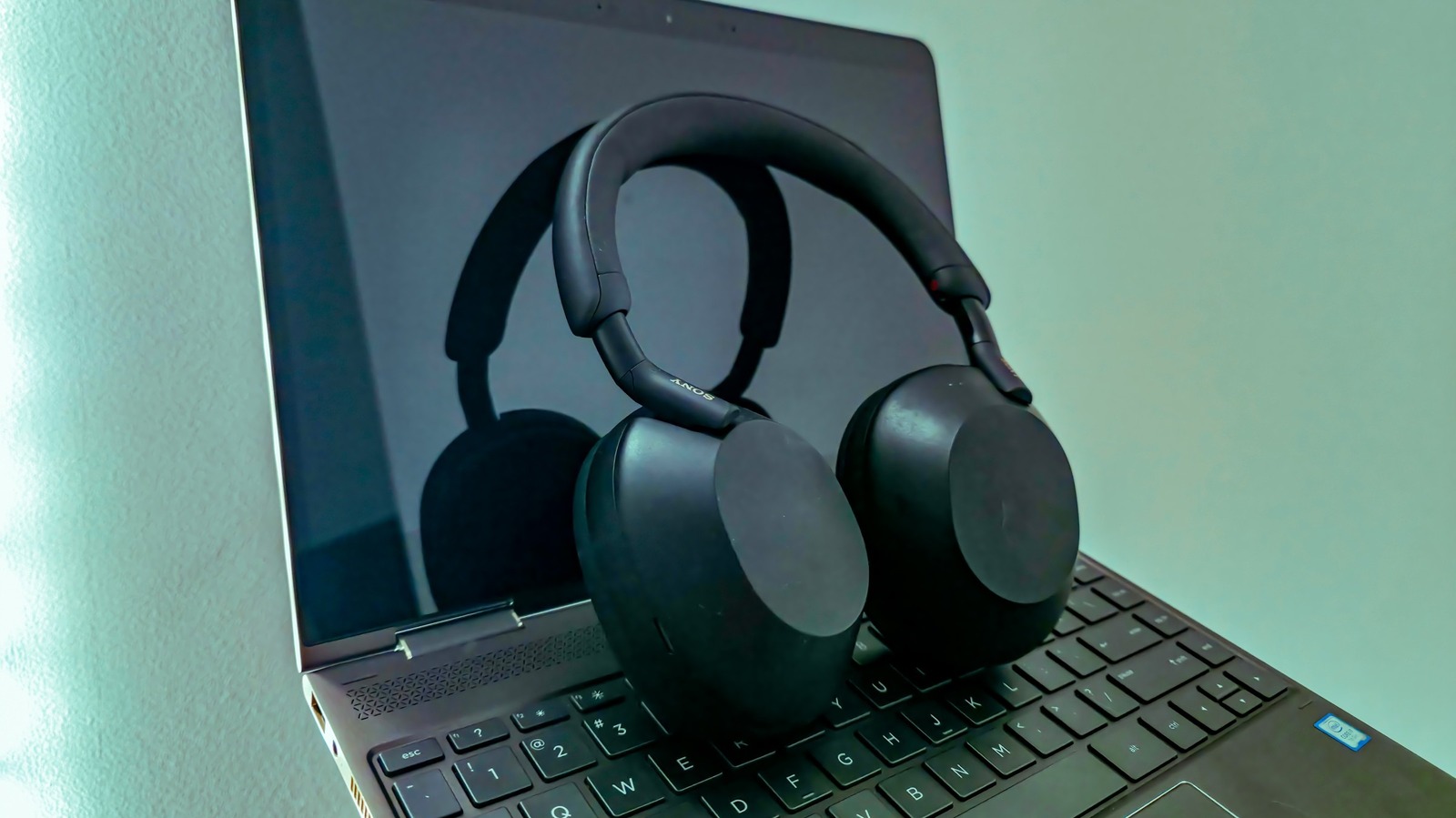
Pairing Bluetooth headphones with a Windows 11 PC is meant to be easy, but it can still be fiddly, according to a new how-to guide from Engadget published in late November 2026. The good news: there are a few reliable routes, and if yours fails, you are probably not the problem.
The quickest method starts at the taskbar. Click the speaker icon in the bottom-right corner to open quick settings, then click the arrow beside the Bluetooth icon and make sure Bluetooth is switched on. Next, put your headphones or earbuds into pairing mode. How that works varies by product, but it usually means holding a button, often one marked with the Bluetooth logo. When your device shows up in the list, select it and you are connected.
You can also go through Settings. Press Win + I, choose Bluetooth & devices from the left-hand menu and confirm the Bluetooth toggle is on. For a first-time pairing, click Add device, then Bluetooth, and make sure your headphones are in pairing mode. The PC scans for nearby gear, and once your device appears, click it and wait a few moments.
A third option is Swift Pair, which tries to do the pairing proactively. Engadget notes that popular headphones such as the Sony WH-1000XM6 and Samsung Galaxy Buds 4 Pro, along with earlier models in those lines, support it. With Bluetooth enabled on the PC, turn on the device and enter pairing mode. A pop-up should ask whether you want to connect; click Connect. Devices paired this way will connect automatically in future.
Then comes the awkward part. Engadget says Bluetooth performance has long been a weak spot for Windows 11, and Microsoft was still working to improve it as of September 2026. If pairing fails, the guide suggests updating your wireless drivers or simply rebooting the PC before blaming yourself or your headphones.
Why it matters
Wireless headphones are now the default for many people, so a smooth connection to a work or gaming PC affects everyday productivity. Knowing the fixes can also save a trip to the store or a needless replacement purchase when the real culprit is a driver.
Key points
- Pair via the taskbar quick settings or Win + I, then Bluetooth & devices.
- Swift Pair offers a pop-up connection and auto-reconnects on supported headphones.
- Windows 11 Bluetooth is still shaky; try driver updates or a reboot if pairing fails.
Written by the PixelContent newsroom from public reports. Original reporting: Engadget.
Get the news that moves your money
Breaking news, market calls and the weirdest true stories in your inbox. Free.
No spam. Unsubscribe anytime.
More stories

Trump Dials Into Nvidia Board Meeting, Jensen Huang Gets His Job Back, Shares Jump 34%
Nvidia's board reinstated CEO Jensen Huang after Trump joined a board meeting by phone, and shares surged over 34 percent. Democrats demand answers on national security and chip export controls.
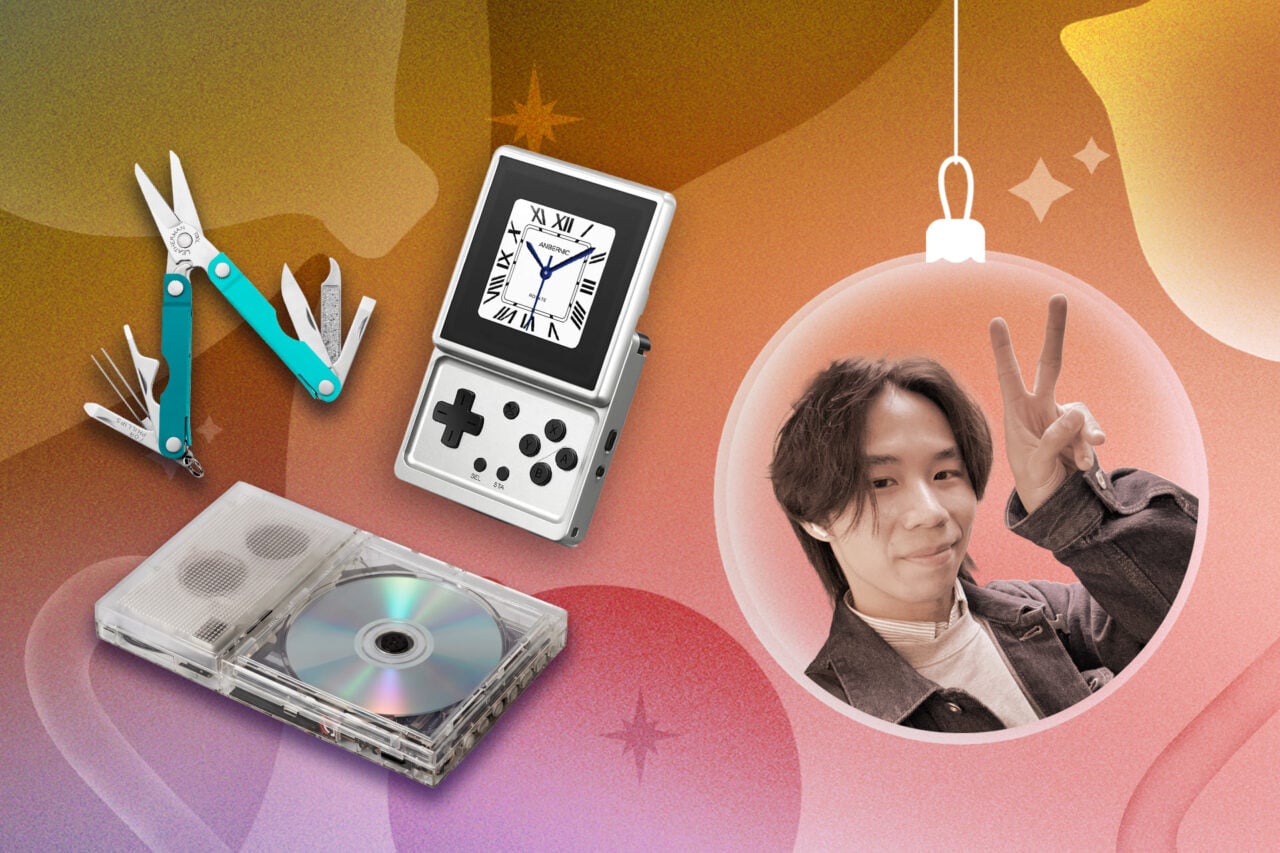
Gizmodo's Tech Editor Digs Up 8 Underrated Gifts Missing From Other Holiday Lists
Gizmodo's Raymond Wong has published his second annual list of eight underrated tech gifts, drawn from his own online orders and aimed at items other holiday guides overlook.

Drowning in AI slop? Here's which social platforms let you turn down the sludge
Engadget's guide says Pinterest, LinkedIn and TikTok let users reduce AI slop, while Instagram, Facebook, YouTube and X require training your algorithm. A fully reliable block may not be possible.

Your Closed Support Tickets Might Be AI Training Gold, Says a Data-Licensing Startup
SourceX says companies could license approved records like support tickets and workflows to train AI. It advertises large potential payouts, but stresses they are not typical or guaranteed and depend on qualification and signed terms.

China Says It Swapped a Damaged Oil Well Casing Nearly 6,000 Feet Down, a Claimed Record
Xinjiang Oilfield, part of CNPC, reports replacing a damaged well casing at nearly 6,000 feet and calls it a record, per Interesting Engineering. Technical details and independent verification are not yet available.
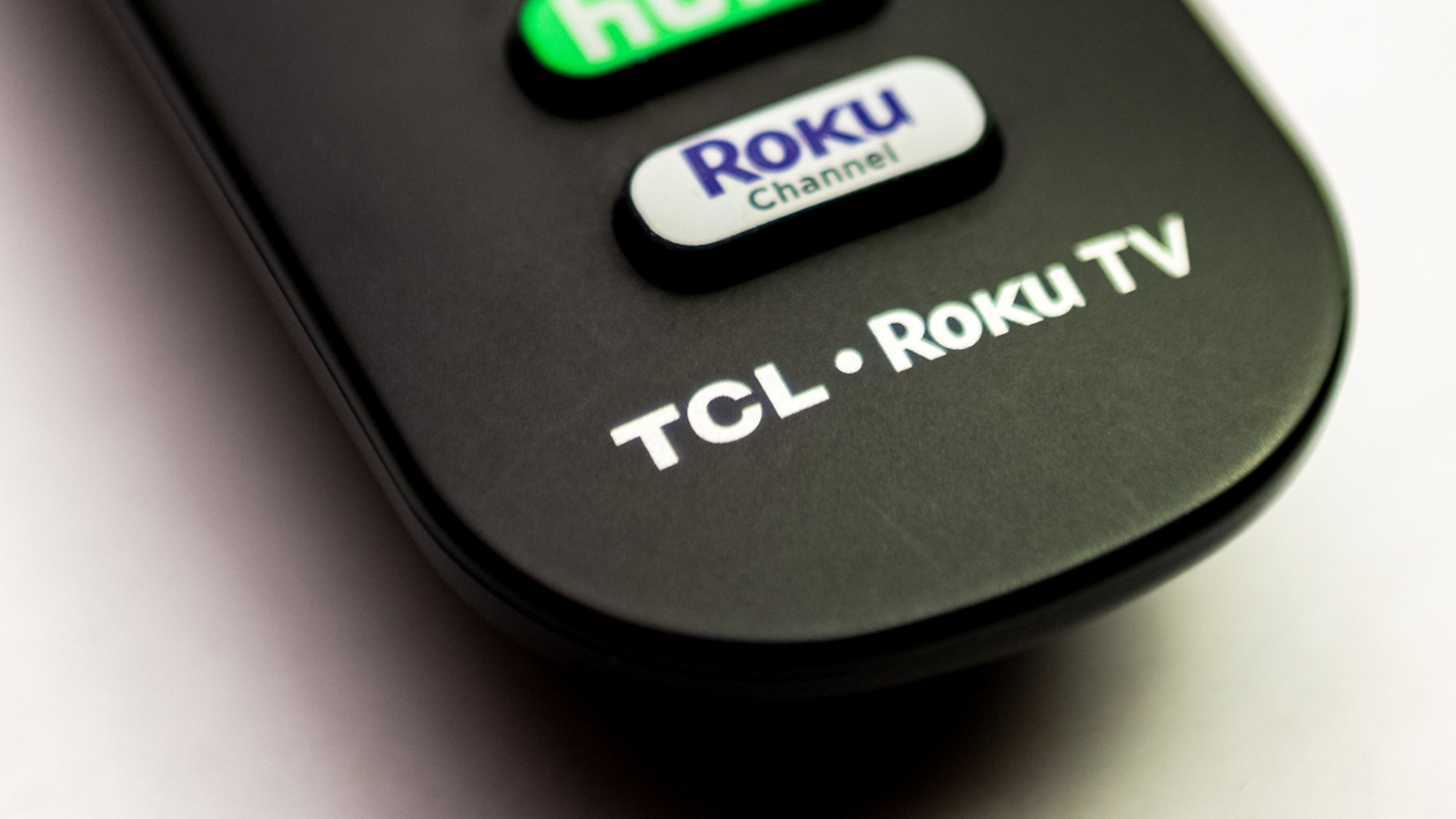
Roku Remote Blinking Green? Don't Panic, It's Usually Just Hungry for Batteries
A flashing green light on a Roku remote usually means low batteries or pairing, per Engadget. Rapid flashing after re-pairing suggests a broken remote. Restarting it or using your phone are easy workarounds.
💬 Comments