Google TV acting sluggish? Clear the cache before you hurl the remote
If your Google TV has started stuttering like a presenter without slides, Engadget has a troubleshooting guide that starts with clearing the cache. It is a simple first step for slow performance, app crashes and general glitches, though the outlet stresses it is not a cure-all.
A cache stores data, such as TV show thumbnails, so apps can pull it up quickly later. Google TV manages these caches automatically, but according to Engadget they can still swell or get corrupted, especially if you have lots of apps installed or large video files stored. Storage is tight on these devices: the Google TV Streamer, which replaced the Chromecast, has 32GB, the bare minimum for an Android device.
There are two routes. For system-wide problems, open Settings from the home screen, then go to System, Storage, Internal shared storage and Cached data, and confirm with OK to wipe the cache for all apps. If only one app misbehaves, go to Settings, Apps, See all apps, pick the culprit, choose Force Stop, then Clear Cache, confirming each time.
If that fails, try the system-wide clear, then reboot the device. As a last resort, clear both the app's cache and its data, which resets it to its default state, so you will have to set it up again.
The bigger point is that a cache clear is a short-term patch for a deeper problem: not enough storage. Engadget advises keeping roughly 10 percent of an Android device's storage free. After clearing the cache, check the storage screen, and if 90 percent or more is full, start deleting.
Back up and remove big media files first, but for most Google TVs the real hog is installed apps. Start by dumping those you have not touched in ages, like the streaming service you grabbed to watch a single movie.
Why it matters
Streaming boxes ship with little storage, so slowdowns are common and fixing them costs nothing compared with buying new hardware. Knowing basic maintenance can extend a device's useful life and save you money.
Key points
- Clear the cache system-wide via Settings > System > Storage, or per app via Settings > Apps.
- The Google TV Streamer has only 32GB, so caches and apps fill it fast.
- Keep about 10 percent of storage free and delete unused apps if 90 percent is full.
Written by the PixelContent newsroom from public reports. Original reporting: Engadget.
Get the news that moves your money
Breaking news, market calls and the weirdest true stories in your inbox. Free.
No spam. Unsubscribe anytime.
More stories

Trump Dials Into Nvidia Board Meeting, Jensen Huang Gets His Job Back, Shares Jump 34%
Nvidia's board reinstated CEO Jensen Huang after Trump joined a board meeting by phone, and shares surged over 34 percent. Democrats demand answers on national security and chip export controls.
Gizmodo's Tech Editor Digs Up 8 Underrated Gifts Missing From Other Holiday Lists
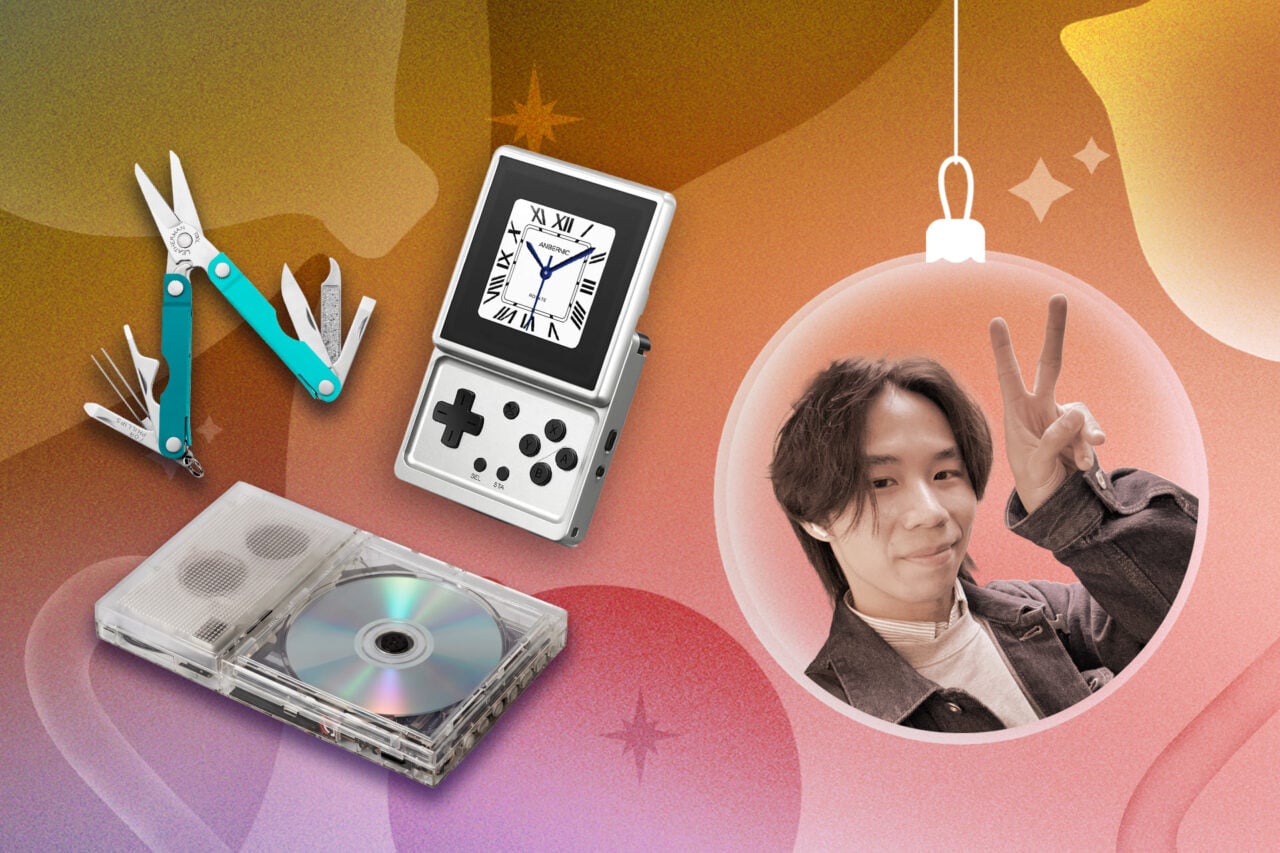
Gizmodo's Raymond Wong has published his second annual list of eight underrated tech gifts, drawn from his own online orders and aimed at items other holiday guides overlook.

Drowning in AI slop? Here's which social platforms let you turn down the sludge
Engadget's guide says Pinterest, LinkedIn and TikTok let users reduce AI slop, while Instagram, Facebook, YouTube and X require training your algorithm. A fully reliable block may not be possible.

Your Closed Support Tickets Might Be AI Training Gold, Says a Data-Licensing Startup
SourceX says companies could license approved records like support tickets and workflows to train AI. It advertises large potential payouts, but stresses they are not typical or guaranteed and depend on qualification and signed terms.

China Says It Swapped a Damaged Oil Well Casing Nearly 6,000 Feet Down, a Claimed Record
Xinjiang Oilfield, part of CNPC, reports replacing a damaged well casing at nearly 6,000 feet and calls it a record, per Interesting Engineering. Technical details and independent verification are not yet available.
Roku Remote Blinking Green? Don't Panic, It's Usually Just Hungry for Batteries
A flashing green light on a Roku remote usually means low batteries or pairing, per Engadget. Rapid flashing after re-pairing suggests a broken remote. Restarting it or using your phone are easy workarounds.
💬 Comments