Five Apple Watch shortcuts that take minutes to set up and spare you from shouting at your wrist
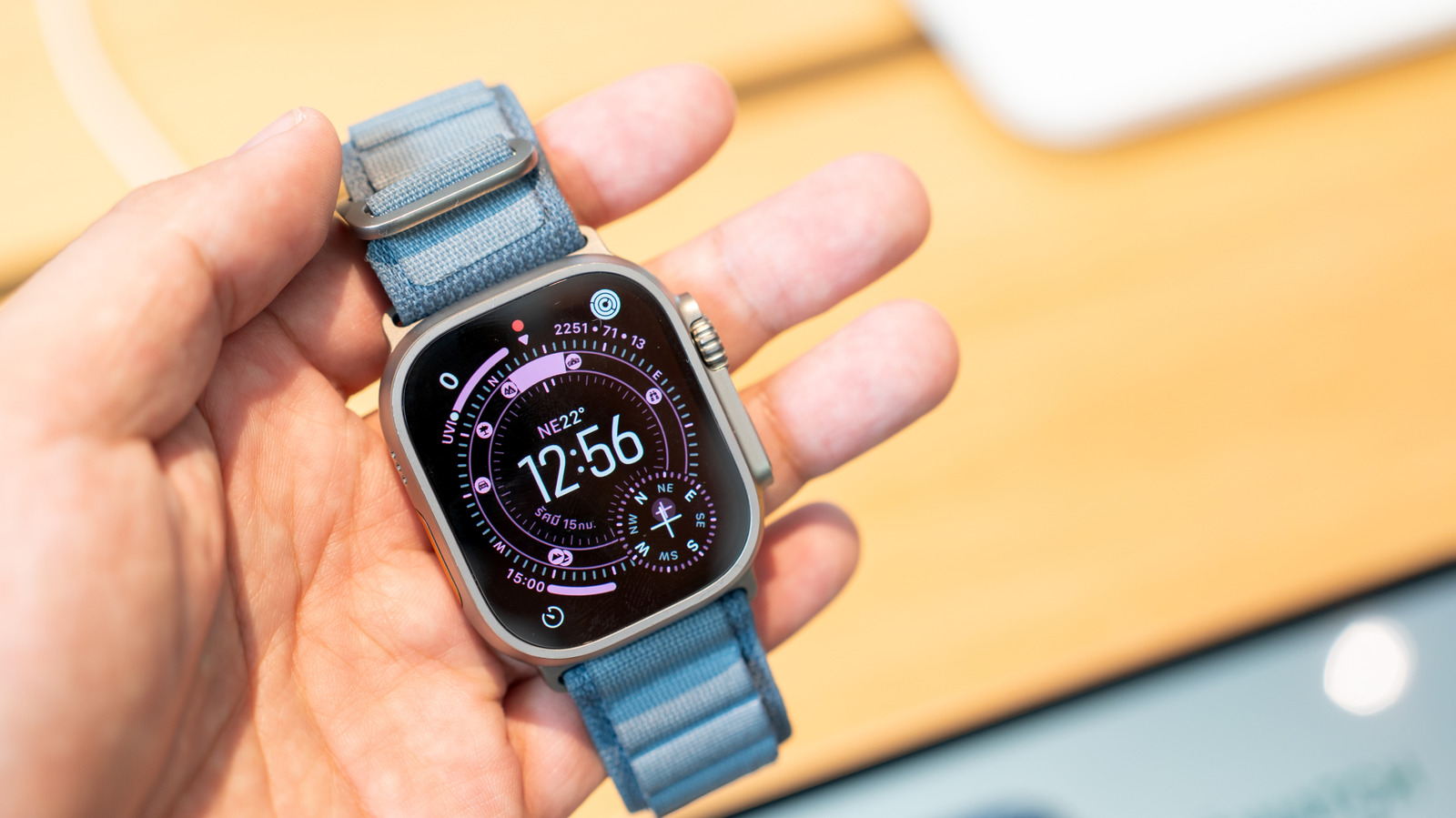
Engadget has rounded up five underrated Apple Watch shortcuts that, according to the outlet, take roughly 15 minutes in total to build and can save you taps every day. They cover getting home, texting an arrival estimate, turning off the lights, napping and keeping your wrist dark while driving.
All of them are built in the Shortcuts app on your iPhone. A shortcut only shows up on the watch once you switch on Show on Apple Watch in its settings. From there you can run it from a watch face complication, a Smart Stack widget or the Shortcuts app, or from the Action button on an Ultra. Engadget adds that on an iPhone 15 Pro or newer, Apple Intelligence can build one from a plain-English description.
The first is a Get Me Home shortcut built on the Open Directions action. Point it at your saved home address, pick walking, driving or transit, and one tap replaces dictating an address on a tiny screen. Engadget notes that iOS 26.4 added multi-stop driving directions to that action. The second uses Get Travel Time plus a Text and Send Message action to send people your estimated arrival. It can also run as an automation when you leave a saved place such as work.
The third is a Good Night shortcut. You first create a scene in the Home app that switches off chosen lights and outlets, and can leave a few things on, such as a dim hallway light. Then a Control Home action runs that scene from your wrist. The fourth is a Nap shortcut that starts a timer and sets Do Not Disturb to switch off after the same time, so notifications return on their own. Engadget suggests 20 or 25 minutes, and says the same trick works with a workout trigger.
The last one targets driving. It turns off Wake on Wrist Raise and turns on Theater Mode when the phone connects to CarPlay, then a mirrored shortcut restores normal behavior when it disconnects. Engadget says that since iOS 27, automations live inside individual shortcuts rather than a separate tab, and the setup also works with Bluetooth or Driving Focus if you lack CarPlay.
Why it matters
Features people already own often go unused, and small automations show how much value hides in existing devices. For anyone invested in the Apple ecosystem, it is a free way to get more from a pricey wearable. It also shows Apple pushing more automation into everyday routines.
Key points
- Shortcuts are built on the iPhone and must have Show on Apple Watch turned on.
- The five cover directions home, ETA texts, lights-out, napping and a dark screen while driving.
- Engadget estimates about 15 minutes of setup for all five.
Written by the PixelContent newsroom from public reports. Original reporting: Engadget.
Get the news that moves your money
Breaking news, market calls and the weirdest true stories in your inbox. Free.
No spam. Unsubscribe anytime.
More stories
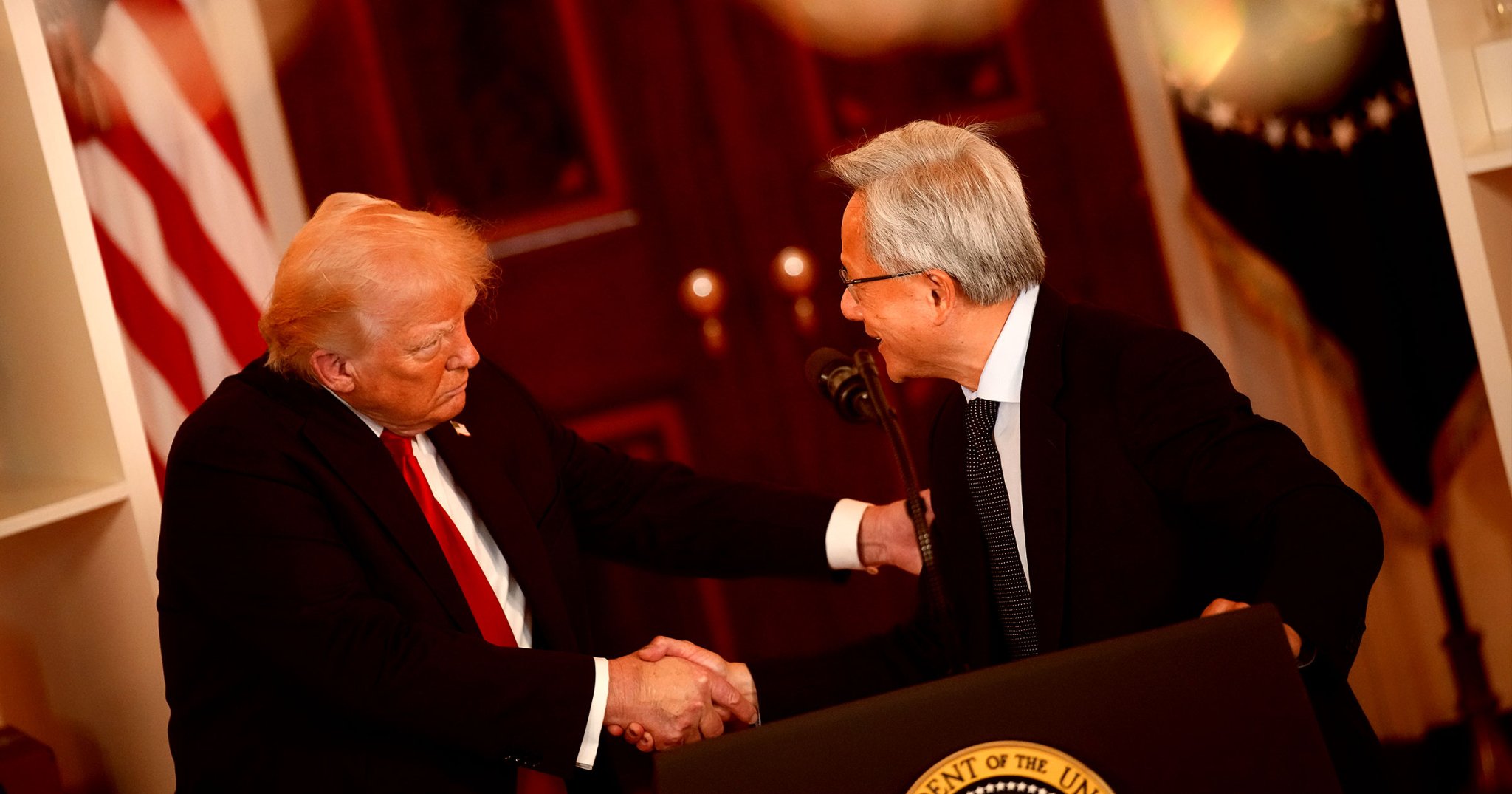
Trump Dials Into Nvidia Board Meeting, Jensen Huang Gets His Job Back, Shares Jump 34%
Nvidia's board reinstated CEO Jensen Huang after Trump joined a board meeting by phone, and shares surged over 34 percent. Democrats demand answers on national security and chip export controls.

Gizmodo's Tech Editor Digs Up 8 Underrated Gifts Missing From Other Holiday Lists
Gizmodo's Raymond Wong has published his second annual list of eight underrated tech gifts, drawn from his own online orders and aimed at items other holiday guides overlook.
Drowning in AI slop? Here's which social platforms let you turn down the sludge
Engadget's guide says Pinterest, LinkedIn and TikTok let users reduce AI slop, while Instagram, Facebook, YouTube and X require training your algorithm. A fully reliable block may not be possible.

Your Closed Support Tickets Might Be AI Training Gold, Says a Data-Licensing Startup
SourceX says companies could license approved records like support tickets and workflows to train AI. It advertises large potential payouts, but stresses they are not typical or guaranteed and depend on qualification and signed terms.

China Says It Swapped a Damaged Oil Well Casing Nearly 6,000 Feet Down, a Claimed Record
Xinjiang Oilfield, part of CNPC, reports replacing a damaged well casing at nearly 6,000 feet and calls it a record, per Interesting Engineering. Technical details and independent verification are not yet available.
Roku Remote Blinking Green? Don't Panic, It's Usually Just Hungry for Batteries
A flashing green light on a Roku remote usually means low batteries or pairing, per Engadget. Rapid flashing after re-pairing suggests a broken remote. Restarting it or using your phone are easy workarounds.
💬 Comments