Windows Spring Cleaning: 8 Apps Engadget Says Deserve the Boot
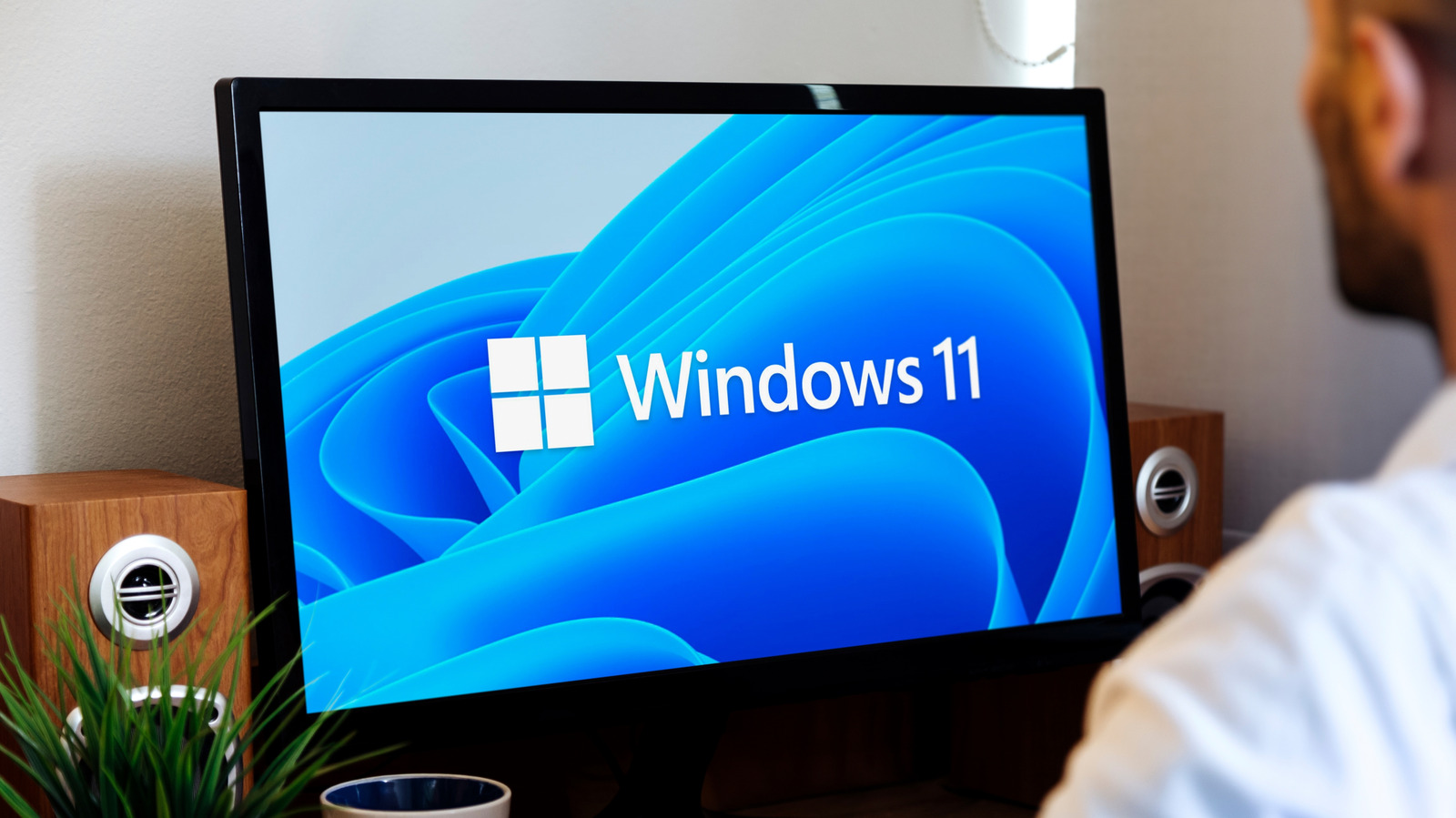
Engadget has published a list of eight Windows apps it says you should consider removing or replacing, ranging from pre-installed bloatware to popular third-party tools that have better, often free, alternatives. The piece, dated November 23, 2026, argues that bloatware and adware feel more common than ever.
The cost is real, according to the article: these apps eat SSD space, which is pricier now because of soaring storage prices, and they can use up RAM and pepper you with alerts. That is why debloating a fresh Windows PC has become routine.
On media and video, Engadget suggests swapping the built-in Media Player for VLC, which plays many formats without extra codecs. It also pitches CapCut over Microsoft's Clipchamp, whose flashier features, like 4K export and Copilot integration, sit behind a Microsoft 365 paywall. CapCut has a subscription too, starting at $19.99 per month, but the author calls it good value.
Then come the usual suspects. uTorrent is flagged for ads, bundled extras and a 2015 scandal in which it installed a Litecoin miner; qBittorrent and Transmission are named as replacements. Trial versions of Norton or McAfee are labeled unneeded for most people, since Windows Defender is deemed enough for basic protection. The built-in News and Weather apps are dismissed as ad-heavy and low-quality.
The Xbox app is worth keeping only if you game on PC, the article says, and Steam-only players or ex-Game Pass subscribers can skip it. Microsoft Solitaire Collection, which charges $1.49 per month for the premium edition, can be replaced by free browser games or a Steam version with no ads.
Finally, the free Microsoft Office trials that ship with Windows are described as subscription nudges. Google Docs or OnlyOffice can cover most needs, though Engadget notes many professionals still need Office because .docx and .xlsx are corporate standards. Microsoft 365 costs at least $9.99 per month or $99.99 per year.
Why it matters
With storage prices rising, reclaiming SSD space and RAM from bloatware has real value. Swapping paid or trial software for free alternatives can also trim recurring subscription costs on a household budget.
Key points
- Engadget names eight Windows apps to remove or replace, including uTorrent, Norton/McAfee trials and Office trials.
- Free alternatives like VLC, qBittorrent, OnlyOffice and Windows Defender can cover most needs.
- Bloatware eats SSD space and RAM, which matters more as storage prices climb.
Written by the PixelContent newsroom from public reports. Original reporting: Engadget.
Get the news that moves your money
Breaking news, market calls and the weirdest true stories in your inbox. Free.
No spam. Unsubscribe anytime.
More stories

Trump Dials Into Nvidia Board Meeting, Jensen Huang Gets His Job Back, Shares Jump 34%
Nvidia's board reinstated CEO Jensen Huang after Trump joined a board meeting by phone, and shares surged over 34 percent. Democrats demand answers on national security and chip export controls.

Gizmodo's Tech Editor Digs Up 8 Underrated Gifts Missing From Other Holiday Lists
Gizmodo's Raymond Wong has published his second annual list of eight underrated tech gifts, drawn from his own online orders and aimed at items other holiday guides overlook.

Drowning in AI slop? Here's which social platforms let you turn down the sludge
Engadget's guide says Pinterest, LinkedIn and TikTok let users reduce AI slop, while Instagram, Facebook, YouTube and X require training your algorithm. A fully reliable block may not be possible.

Your Closed Support Tickets Might Be AI Training Gold, Says a Data-Licensing Startup
SourceX says companies could license approved records like support tickets and workflows to train AI. It advertises large potential payouts, but stresses they are not typical or guaranteed and depend on qualification and signed terms.

China Says It Swapped a Damaged Oil Well Casing Nearly 6,000 Feet Down, a Claimed Record
Xinjiang Oilfield, part of CNPC, reports replacing a damaged well casing at nearly 6,000 feet and calls it a record, per Interesting Engineering. Technical details and independent verification are not yet available.
Roku Remote Blinking Green? Don't Panic, It's Usually Just Hungry for Batteries
A flashing green light on a Roku remote usually means low batteries or pairing, per Engadget. Rapid flashing after re-pairing suggests a broken remote. Restarting it or using your phone are easy workarounds.
💬 Comments