X Is Building an Undo Button for Accidental Timeline Refreshes, Saving Your Place in the Scroll

X appears to be preparing a feature that lets users undo an accidental timeline refresh and return to the exact spot in their feed where they left off, according to Digital Trends. The feature was spotted in a video shared on X by a user named Aaron, and it has not been officially launched.
The problem is familiar to anyone who scrolls. You find an interesting post, and just as you start reading, the feed reloads and replaces it with a fresh batch of updates. Unless you remember who wrote it, finding it again can turn into a small archaeological dig.
The fix is an undo button that appears when the timeline refreshes. Tap it, and you go back to your previous position instead of scrolling through everything again. According to the report, the button stays available for a few seconds, though the exact duration has not been specified.
Digital Trends notes that the change does not reinvent how people use X. It solves a long-standing annoyance that arguably should have existed much earlier. Feeds are built to keep serving fresh content, but that should not come at the cost of whatever you were already reading.
There is no confirmed release date, and it is unclear whether the feature will reach Android, iOS and the web at the same time. For now, it is a preview rather than a promise, so your lost posts will have to keep waiting.
Why it matters
Small usability fixes shape how long and how happily people stay in an app, which matters for platforms that depend on attention and advertising. It also shows X focusing on everyday friction rather than big reinventions, a sign of how social platforms compete on polish.
Key points
- X is reportedly testing an undo button for accidental timeline refreshes.
- The button appears for a few seconds, though the exact time is unspecified.
- No release date or platform rollout details have been confirmed.
Written by the PixelContent newsroom from public reports. Original reporting: Digital Trends.
Get the news that moves your money
Breaking news, market calls and the weirdest true stories in your inbox. Free.
No spam. Unsubscribe anytime.
More stories

Trump Dials Into Nvidia Board Meeting, Jensen Huang Gets His Job Back, Shares Jump 34%
Nvidia's board reinstated CEO Jensen Huang after Trump joined a board meeting by phone, and shares surged over 34 percent. Democrats demand answers on national security and chip export controls.
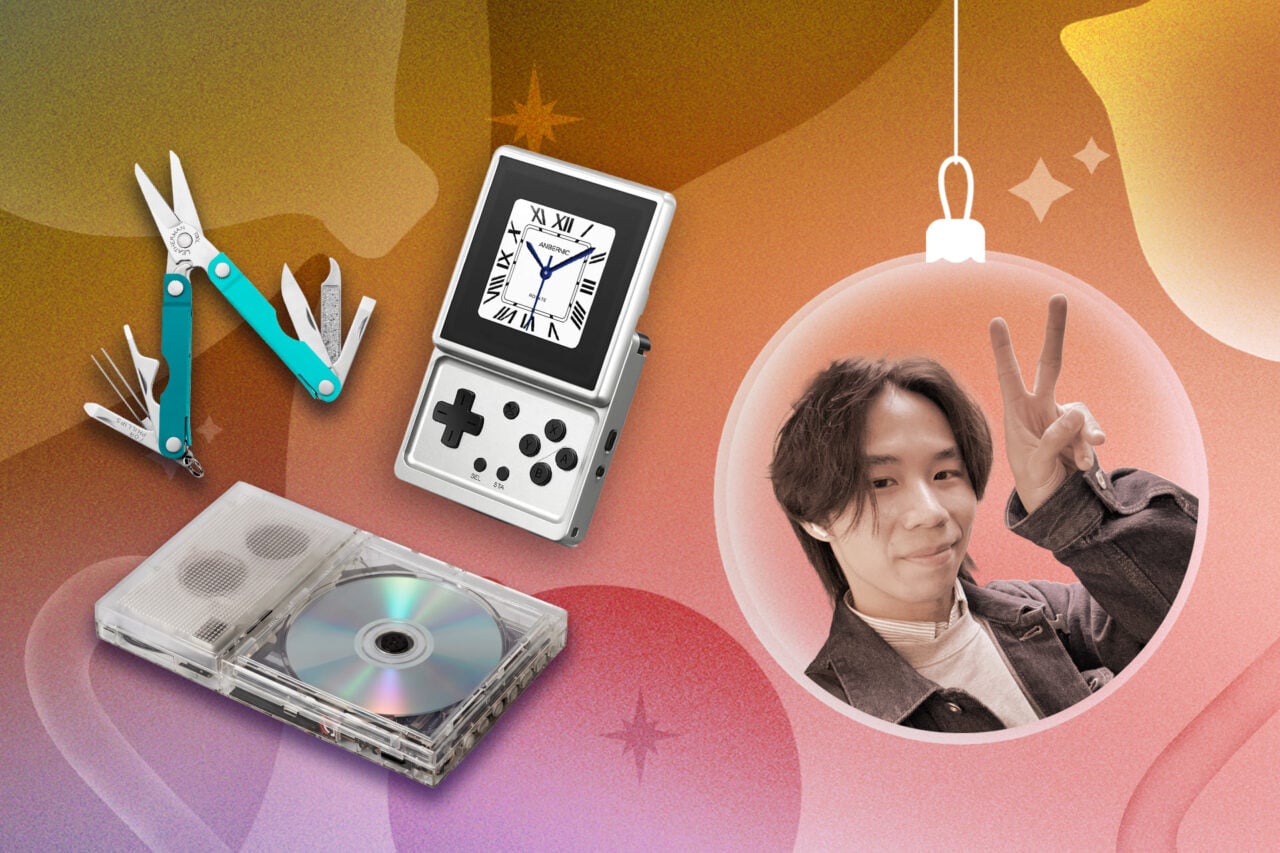
Gizmodo's Tech Editor Digs Up 8 Underrated Gifts Missing From Other Holiday Lists
Gizmodo's Raymond Wong has published his second annual list of eight underrated tech gifts, drawn from his own online orders and aimed at items other holiday guides overlook.
Drowning in AI slop? Here's which social platforms let you turn down the sludge
Engadget's guide says Pinterest, LinkedIn and TikTok let users reduce AI slop, while Instagram, Facebook, YouTube and X require training your algorithm. A fully reliable block may not be possible.

Your Closed Support Tickets Might Be AI Training Gold, Says a Data-Licensing Startup
SourceX says companies could license approved records like support tickets and workflows to train AI. It advertises large potential payouts, but stresses they are not typical or guaranteed and depend on qualification and signed terms.

China Says It Swapped a Damaged Oil Well Casing Nearly 6,000 Feet Down, a Claimed Record
Xinjiang Oilfield, part of CNPC, reports replacing a damaged well casing at nearly 6,000 feet and calls it a record, per Interesting Engineering. Technical details and independent verification are not yet available.
Roku Remote Blinking Green? Don't Panic, It's Usually Just Hungry for Batteries
A flashing green light on a Roku remote usually means low batteries or pairing, per Engadget. Rapid flashing after re-pairing suggests a broken remote. Restarting it or using your phone are easy workarounds.
💬 Comments