Monitor flickering on startup? Check the cable before you call it a funeral
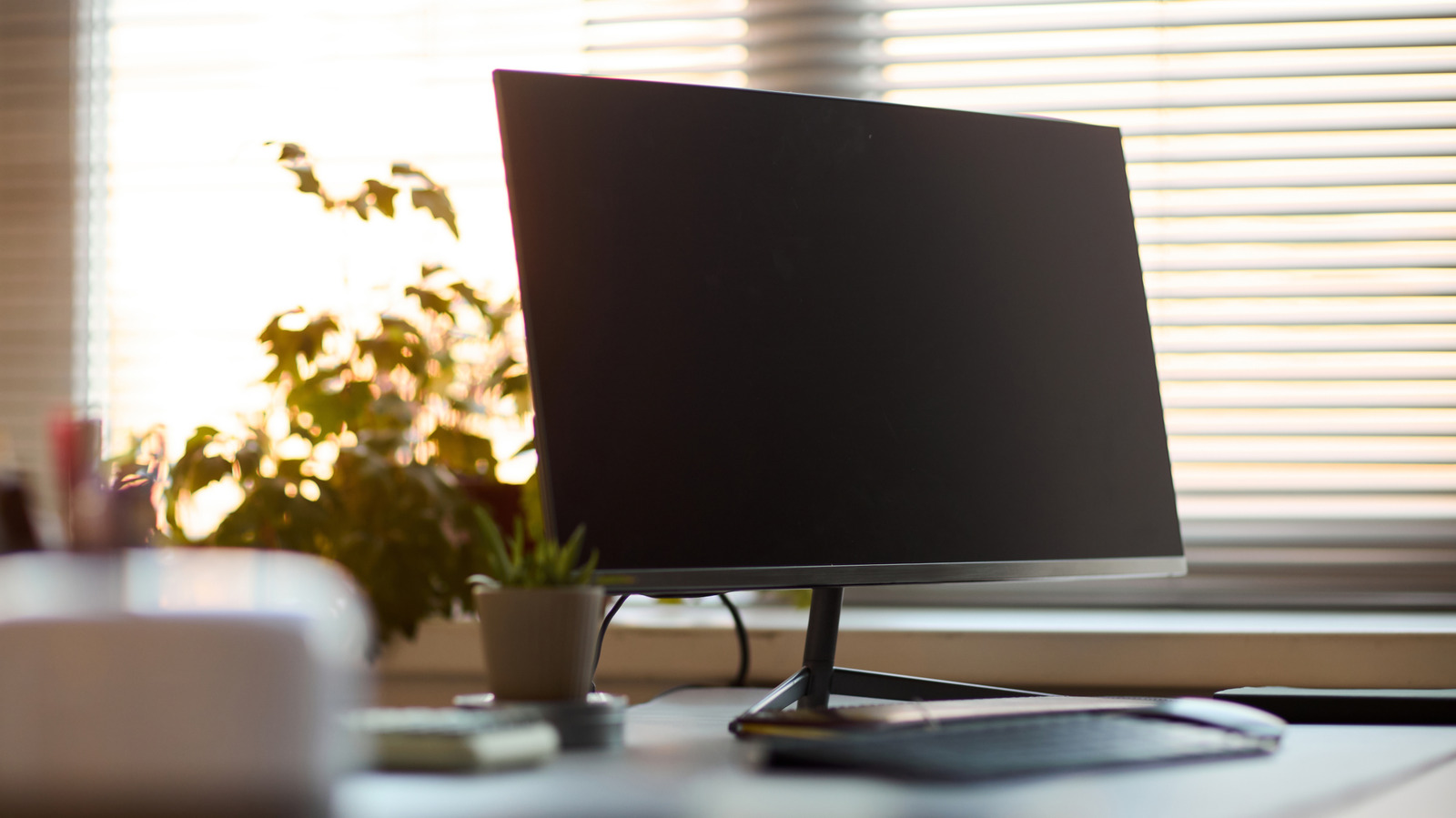
A flickering computer monitor is one of those small tech annoyances that can make a morning feel like the end times. According to Engadget, the cause is often simple and fixable, though sometimes the screen really is on its way out.
The most common culprit is a loose or faulty display cable, whether HDMI, DisplayPort or older VGA. Engadget suggests reseating the connectors, checking for fraying or damage, and swapping in a new cable if you suspect the old one. If that fails, try another port on the monitor or the PC, or plug the monitor into a different computer you know works. If it behaves there, you've found your suspect.
Software can also be to blame. Out-of-date graphics drivers are among the most frequent causes of display problems, so updating is a sensible first step. A fresh driver can occasionally introduce trouble of its own, in which case rolling back to a previous version may help.
Another trap is a refresh rate mismatch. If a monitor runs at 120Hz but Windows 11 is set to something else, chaos can follow. The fix, per the article, is to open Settings, go to System, then Display, then Advanced display, and set the refresh rate to match the monitor.
If none of that works, the problem may be in the hardware. Engadget says a steady, shuttering flicker is a strong sign the monitor is near the end, as are sudden blackouts, faded or dim colors, and vertical lines drifting across the screen.
At that point, the choice is between repair and replacement. Engadget notes that prices for new OLED and 4K screens are starting to fall, so in many cases it may make more sense to sell the old unit for parts or donate it and buy a new one. The final call depends on your budget.
Why it matters
Basic troubleshooting can save you the cost of a new display, which matters when budgets are tight. And with OLED and 4K prices starting to drop, an upgrade may be cheaper than a repair when the hardware truly fails.
Key points
- Check cables, ports and a second computer first.
- Update or roll back graphics drivers and match the refresh rate in Windows 11.
- Shuttering, blackouts, faded colors or vertical lines suggest failing hardware.
Written by the PixelContent newsroom from public reports. Original reporting: Engadget.
Get the news that moves your money
Breaking news, market calls and the weirdest true stories in your inbox. Free.
No spam. Unsubscribe anytime.
More stories
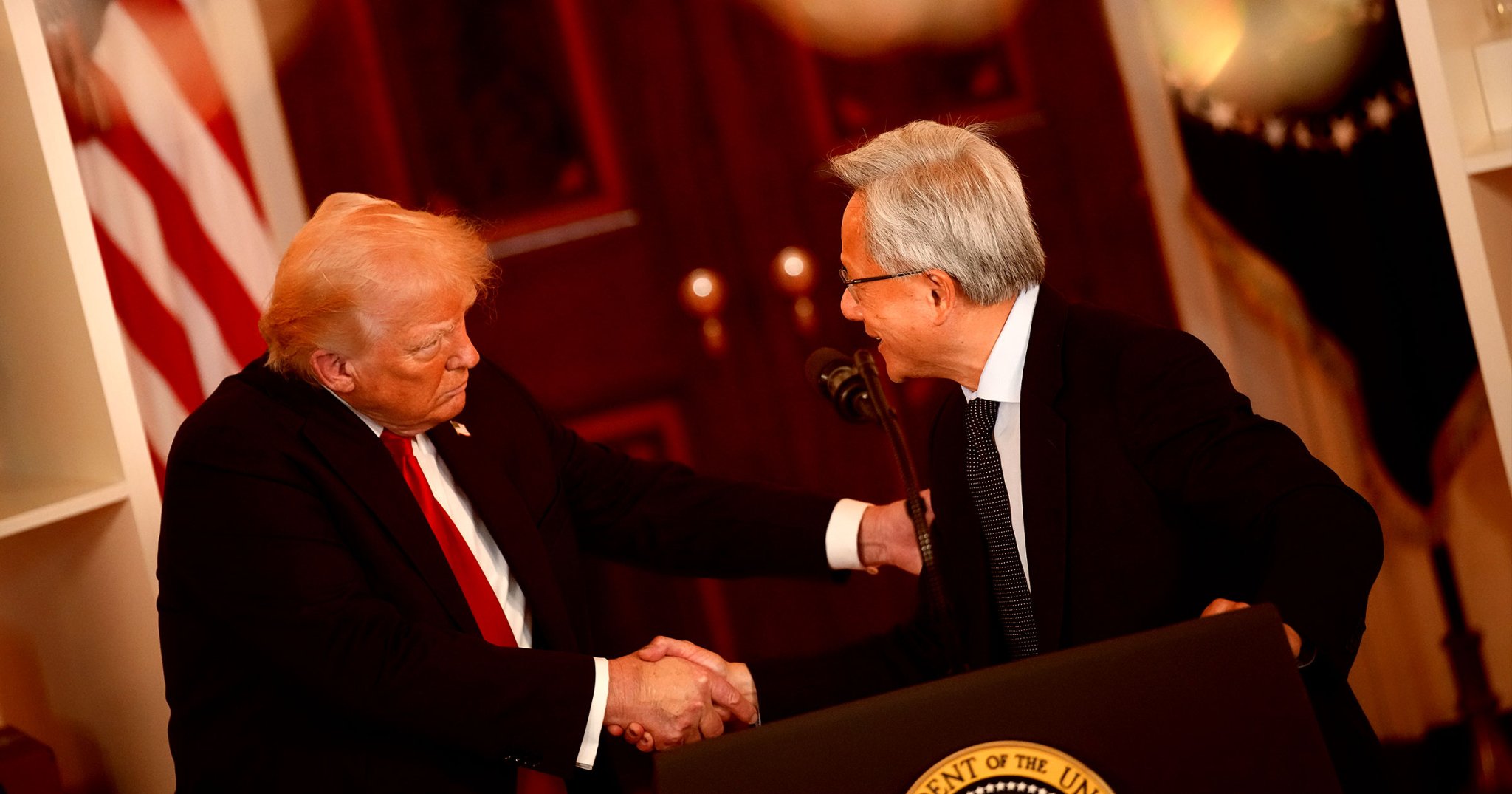
Trump Dials Into Nvidia Board Meeting, Jensen Huang Gets His Job Back, Shares Jump 34%
Nvidia's board reinstated CEO Jensen Huang after Trump joined a board meeting by phone, and shares surged over 34 percent. Democrats demand answers on national security and chip export controls.
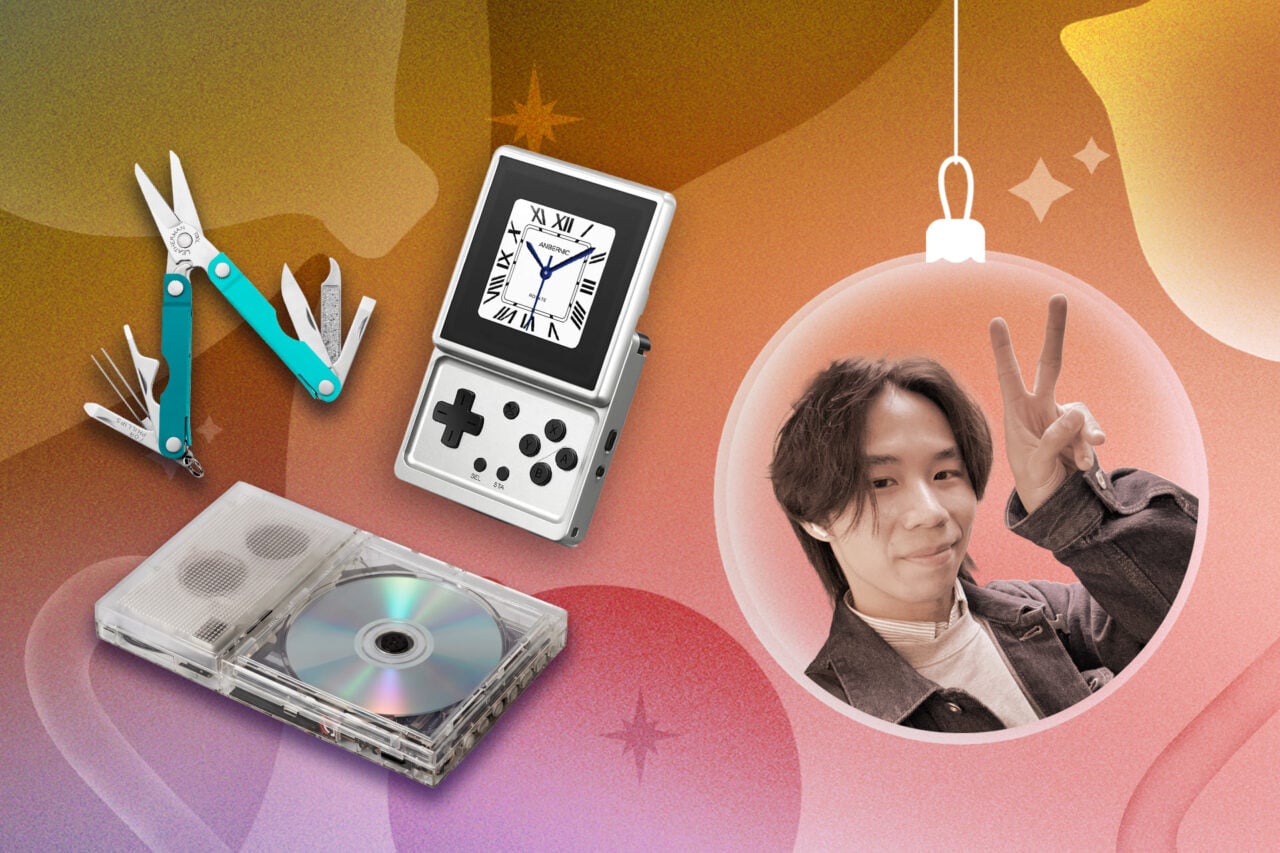
Gizmodo's Tech Editor Digs Up 8 Underrated Gifts Missing From Other Holiday Lists
Gizmodo's Raymond Wong has published his second annual list of eight underrated tech gifts, drawn from his own online orders and aimed at items other holiday guides overlook.
Drowning in AI slop? Here's which social platforms let you turn down the sludge
Engadget's guide says Pinterest, LinkedIn and TikTok let users reduce AI slop, while Instagram, Facebook, YouTube and X require training your algorithm. A fully reliable block may not be possible.

Your Closed Support Tickets Might Be AI Training Gold, Says a Data-Licensing Startup
SourceX says companies could license approved records like support tickets and workflows to train AI. It advertises large potential payouts, but stresses they are not typical or guaranteed and depend on qualification and signed terms.

China Says It Swapped a Damaged Oil Well Casing Nearly 6,000 Feet Down, a Claimed Record
Xinjiang Oilfield, part of CNPC, reports replacing a damaged well casing at nearly 6,000 feet and calls it a record, per Interesting Engineering. Technical details and independent verification are not yet available.
Roku Remote Blinking Green? Don't Panic, It's Usually Just Hungry for Batteries
A flashing green light on a Roku remote usually means low batteries or pairing, per Engadget. Rapid flashing after re-pairing suggests a broken remote. Restarting it or using your phone are easy workarounds.
💬 Comments