PlainApp links your Android phone to your PC wirelessly, free, with nothing to install on the computer
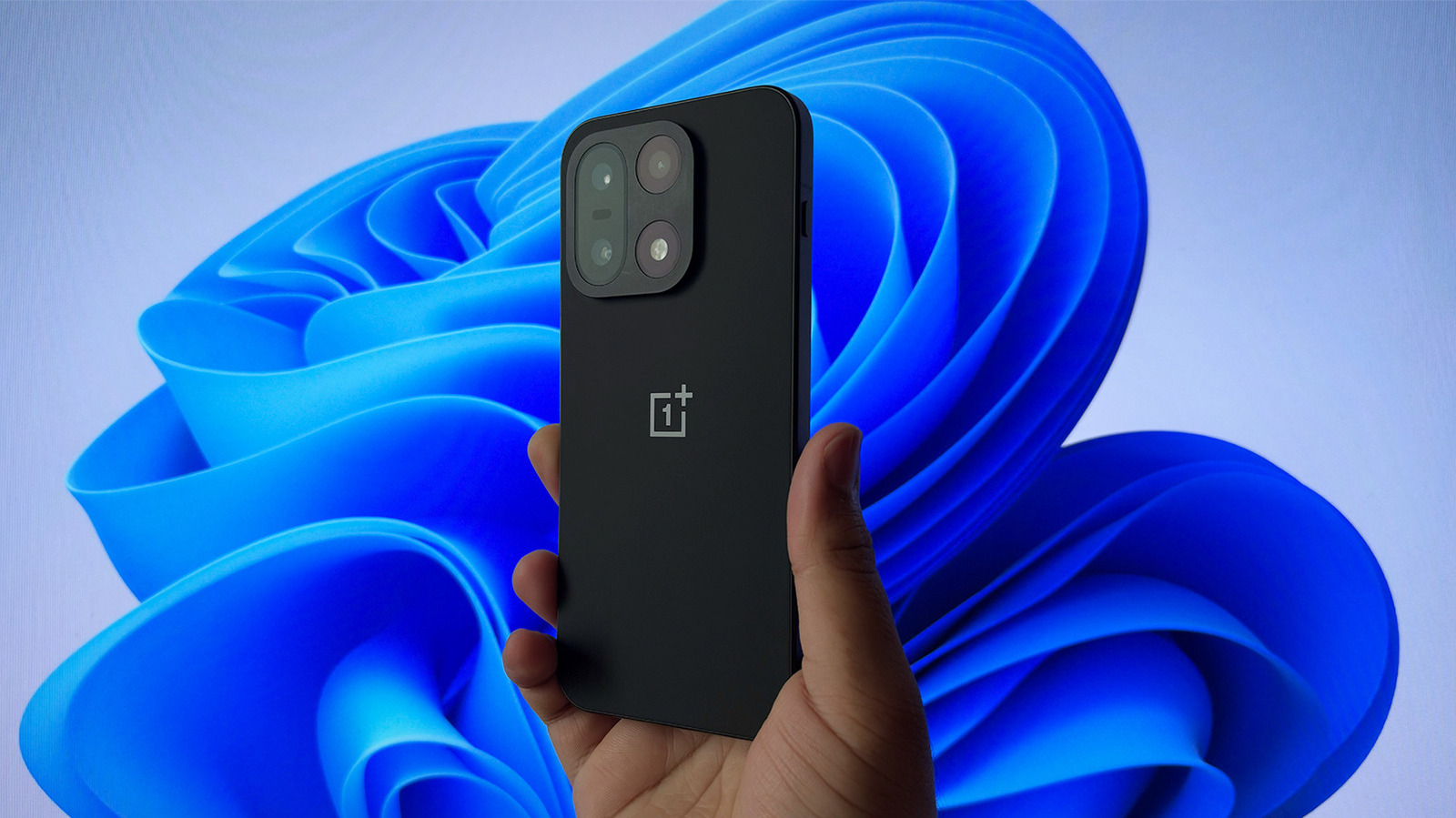
Engadget has highlighted PlainApp, a free, open-source Android app that lets you view and manage your phone's files from a Windows PC over Wi-Fi. It needs no account, no subscription and no extra software on the computer, according to the outlet's review.
Setup is short. PlainApp is on the Play Store and supports Android 9 or newer. You install it, grant notification and file access permissions, and note the URL it shows. With the PC on the same Wi-Fi network, you open that URL in any web browser.
There is one speed bump. PlainApp uses a self-signed TLS certificate, so the browser throws up a warning on first visit. You click Advanced, then Proceed, then Log in, and tap Allow on the phone when asked.
Once connected, you can see images, videos, music and contacts from your browser. The Files tab handles browsing and two-way transfers. You can also send text to the phone's clipboard, place a call from the web interface, and mirror the phone's screen in the browser.
Engadget's reviewer noted that PlainApp claims remote control is possible, similar to iPhone Mirroring on macOS, but could not get it to work on their phone. The media viewer shows images and videos in original quality, and converts HEVC video to H.264 if the browser cannot play it. There is also a basic image editor and a music player.
The verdict: Quick Share is still faster for moving photos or videos, but PlainApp is more versatile for browsing and organizing the rest of your phone's contents.
Why it matters
Many phone-to-PC tools push subscriptions or require software on both devices, so a free, open-source alternative can save money and clutter. It also shows how far browser-based tools can go without dedicated desktop apps.
Key points
- PlainApp is free and open source, needs no account, and requires no software on the PC.
- It works over the same Wi-Fi via a browser and supports Android 9 or newer.
- Remote control didn't work for the reviewer, and Quick Share remains faster for file transfers.
Written by the PixelContent newsroom from public reports. Original reporting: Engadget.
Get the news that moves your money
Breaking news, market calls and the weirdest true stories in your inbox. Free.
No spam. Unsubscribe anytime.
More stories

Trump Dials Into Nvidia Board Meeting, Jensen Huang Gets His Job Back, Shares Jump 34%
Nvidia's board reinstated CEO Jensen Huang after Trump joined a board meeting by phone, and shares surged over 34 percent. Democrats demand answers on national security and chip export controls.

Gizmodo's Tech Editor Digs Up 8 Underrated Gifts Missing From Other Holiday Lists
Gizmodo's Raymond Wong has published his second annual list of eight underrated tech gifts, drawn from his own online orders and aimed at items other holiday guides overlook.

Drowning in AI slop? Here's which social platforms let you turn down the sludge
Engadget's guide says Pinterest, LinkedIn and TikTok let users reduce AI slop, while Instagram, Facebook, YouTube and X require training your algorithm. A fully reliable block may not be possible.

Your Closed Support Tickets Might Be AI Training Gold, Says a Data-Licensing Startup
SourceX says companies could license approved records like support tickets and workflows to train AI. It advertises large potential payouts, but stresses they are not typical or guaranteed and depend on qualification and signed terms.

China Says It Swapped a Damaged Oil Well Casing Nearly 6,000 Feet Down, a Claimed Record
Xinjiang Oilfield, part of CNPC, reports replacing a damaged well casing at nearly 6,000 feet and calls it a record, per Interesting Engineering. Technical details and independent verification are not yet available.
Roku Remote Blinking Green? Don't Panic, It's Usually Just Hungry for Batteries
A flashing green light on a Roku remote usually means low batteries or pairing, per Engadget. Rapid flashing after re-pairing suggests a broken remote. Restarting it or using your phone are easy workarounds.
💬 Comments